Editor Panel
The editor panel is the main area where RISC-V assembly language programs are written and modified.
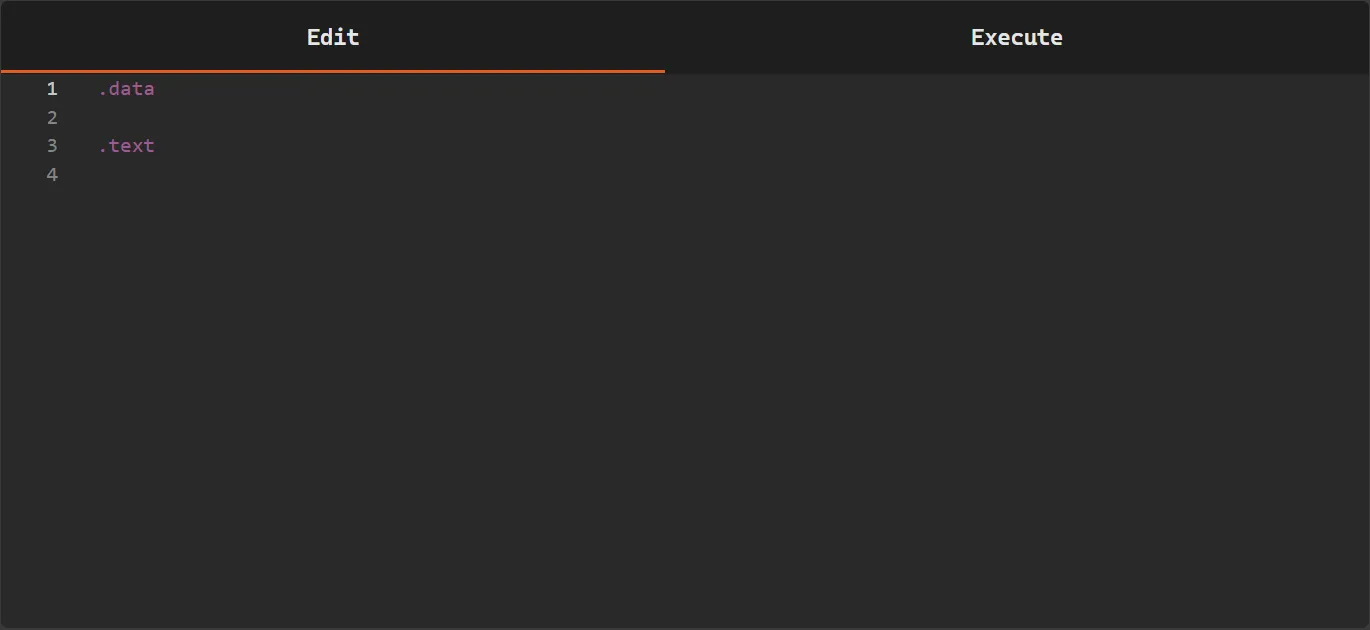
This area functions as a code editor, allowing the user to directly write the instructions and data that make up the program. The editor was designed to centralize code writing and make it easier to prepare the program for the assembly and execution process.
Inside the editor, the program is usually organized into segments:
.text.data
These segments indicate to the simulator how the program content should be interpreted.
.text Segment
Section titled “.text Segment”The .text segment is used to write the executable instructions of the program.
Example:
.textaddi t0, zero, 5addi t1, zero, 10add t2, t0, t1During the assembly process, the instructions contained in this segment are converted into machine code.
.data Segment
Section titled “.data Segment”The .data segment is used to declare static data that will be used by the program.
Example:
.datavalue: .word 10These data can later be accessed by the instructions contained in the .text segment.
Segment Usage
Section titled “Segment Usage”The use of .text and .data segments follows some important rules in the simulator:
- A program may contain only the
.textsegment if declaring data is not necessary - A program should not contain only the
.datasegment, since there would be no executable instructions - If instructions are written after the
.datasegment, the simulator will interpret this content as part of the data section, which will result in an error displayed in the console during the assembly process - It is also possible to write code without explicitly declaring
.textor.data, however in this case the program will not have a separation between data and instructions
Common structure example:
.data# data declarations
.text# program instructions
Writing Code
Section titled “Writing Code”The simulator editor provides features that assist in writing RISC-V assembly programs.
During typing, the editor offers autocomplete for some language elements, making it easier to write code and reducing typing errors.
Among the elements supported by autocomplete are:
- RISC-V architecture instructions
- registers
When the user begins typing an instruction or register, the editor displays a list of suggestions that can be selected directly using the keyboard or mouse.
This feature helps to:
- write code faster
- avoid typing errors in instructions and registers
- facilitate learning the language syntax